
The right studio headphones reveal quiet details, catch edits early and stay comfortable through long mixing sessions.
Studio headphones are built to sound even and uncolored, so you hear what is really in the mix. Closed back pairs block noise for tracking, while open back pairs feel airy and wide for mixing at home. Check comfort, impedance and cable length before you choose.
Read The Full Guide
Open Back Versus Closed Back
Open back headphones let air move through the earcups, so the stereo image feels wide and long sessions stay cool. Closed back headphones seal around the ear and keep sound from leaking into a microphone. Many home studios keep one pair of each and switch by task.
Choosing Headphones For Mixing And Mastering
Mixing and mastering reward an even response, so you hear bass, reverb tails and quiet edits at their true level. Learn one pair well, then check your work on monitors, in ear monitors and a small speaker. That habit matters more than any single upgrade.
Wired Or Wireless In The Studio
Wired headphones need no charging and add no delay, which keeps them the safer pick for tracking and editing. Wireless pairs suit reference listening and moving around the room. If you want that freedom, look for a low latency mode and a detachable cable for backup.
Comfort And Spare Parts
Weight, clamp and pad material decide whether you can wear a pair for hours. Velvet pads feel cool and soft, while leather style pads seal a little tighter. Keep a spare cable and fresh ear pads nearby, and add a headphone amplifier if your pair needs more level.
Quick Buying Checklist
- Match the plug to your gear, or pack an adapter.
- Check that the cable reaches your listening chair.
- Confirm the pads are replaceable and the cable detaches.
- Plan for a headphone amplifier if the impedance is high.
Top Picks To Compare
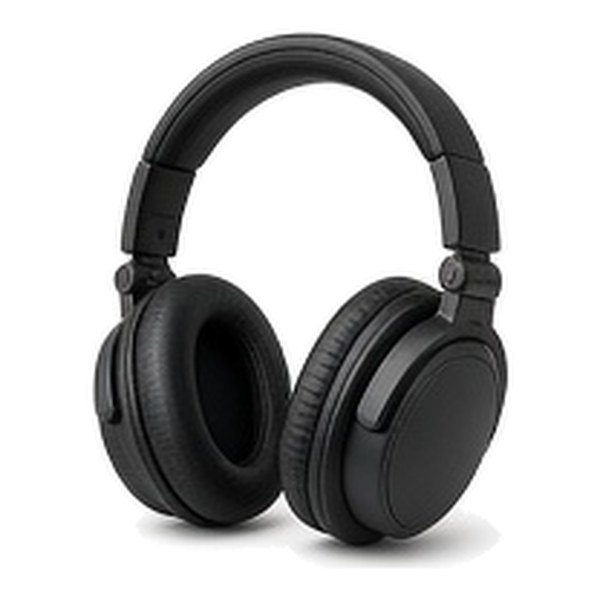
Over Ear Headphones
Check pad size, clamp force and low end extension if you produce electronic music, house or drum and bass.
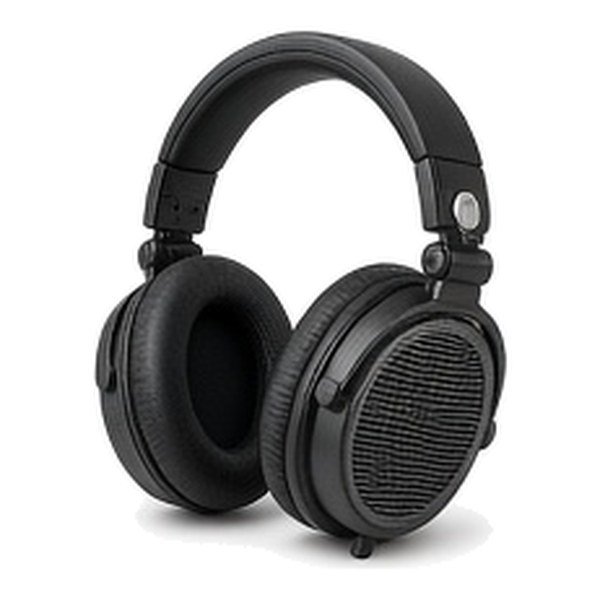
Open Back Headphones
Check that your room is quiet, because open backs let sound pass in and out.

On Ear Headphones
Check clamp pressure and pad depth, since on ear pads rest on the ear itself.
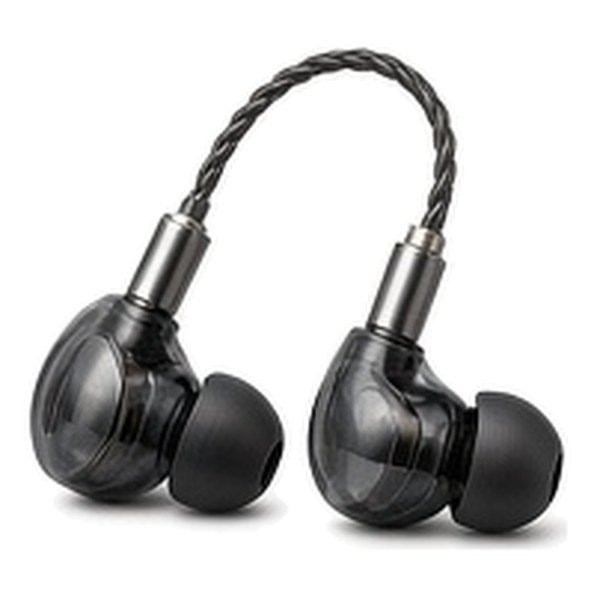
In Ear Monitors
Check tip sizes and a detachable cable, because fit drives both seal and comfort.

Gaming Headsets
Check microphone clarity and long session comfort if you also want one pair for chat and music.
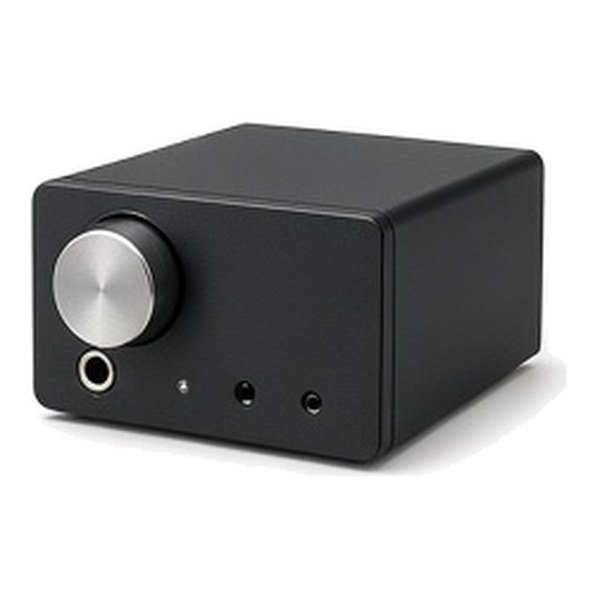
Headphone Amplifiers
Check the output against your headphone impedance and whether you need one or two outputs.
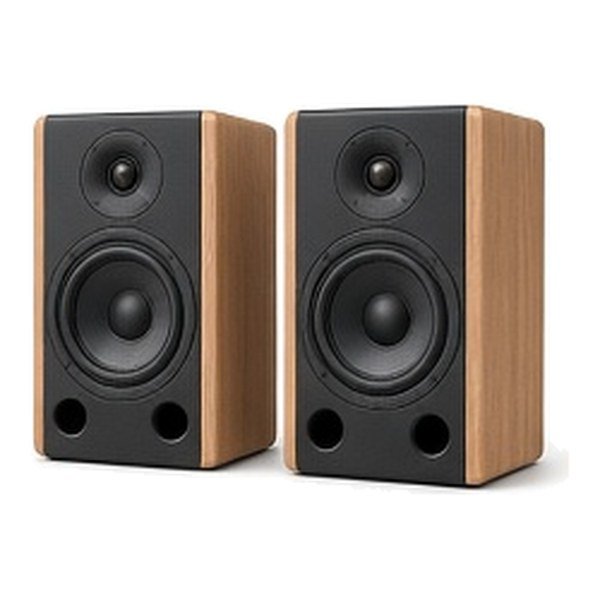
Powered Studio Monitors
Check room size, input types and whether you can place them clear of a wall.
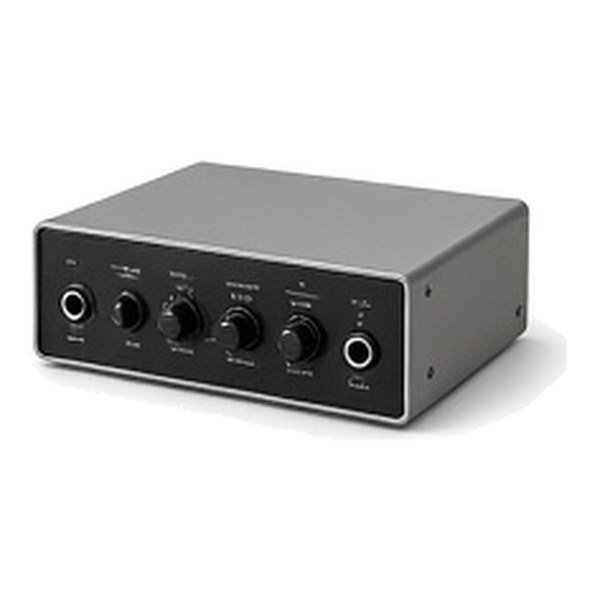
Desktop Audio Interfaces
Check the headphone output level, channel count and the connectors your monitors use.
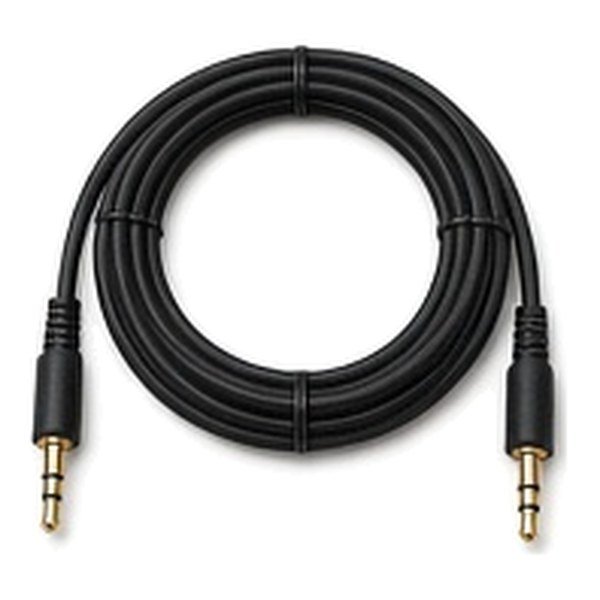
Balanced Headphone Cables
Check the connector at each end and the length you need at your desk.
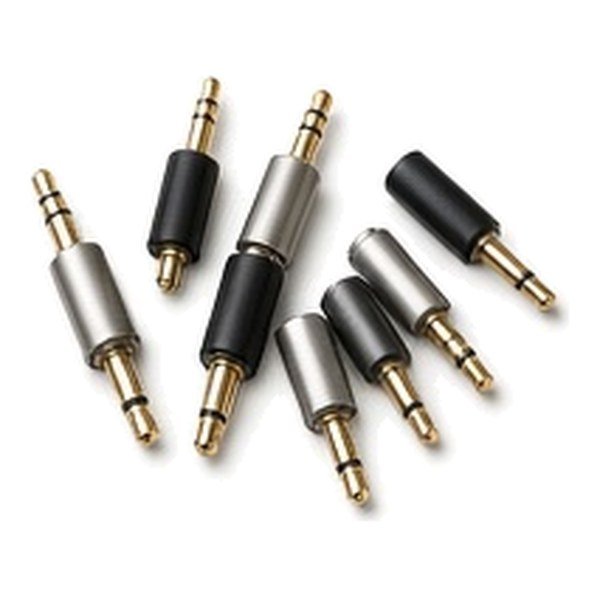
Headphone Jack Adapters
Check which plug sizes you need, since most headphones ship with a small plug and a larger screw on adapter.
Questions Shoppers Ask
Are Studio Headphones Good For Listening To Music?
Yes. They aim for an even response, so music sounds honest rather than boosted. Open back pairs sound the most natural, and some listeners still prefer a warmer headphone for casual listening.
What Size Jack Do Studio Headphones Use?
Most studio headphones use a small 1/8 inch plug with a screw on adapter that fits a 1/4 inch socket. Keep that adapter with the cable so it does not go missing.
Can Studio Headphones Be Used For Gaming?
Yes, and they often sound more detailed than headsets made for games. Most do not include a microphone, so add a separate boom microphone or choose a headset built for voice chat.
Are Affordable Studio Headphones Good Enough For Music Production?
They can be. Lower cost pairs still give an even response that helps you make steady decisions, and closed back designs work well for tracking. Move up later for deeper bass, wider detail and easier comfort.